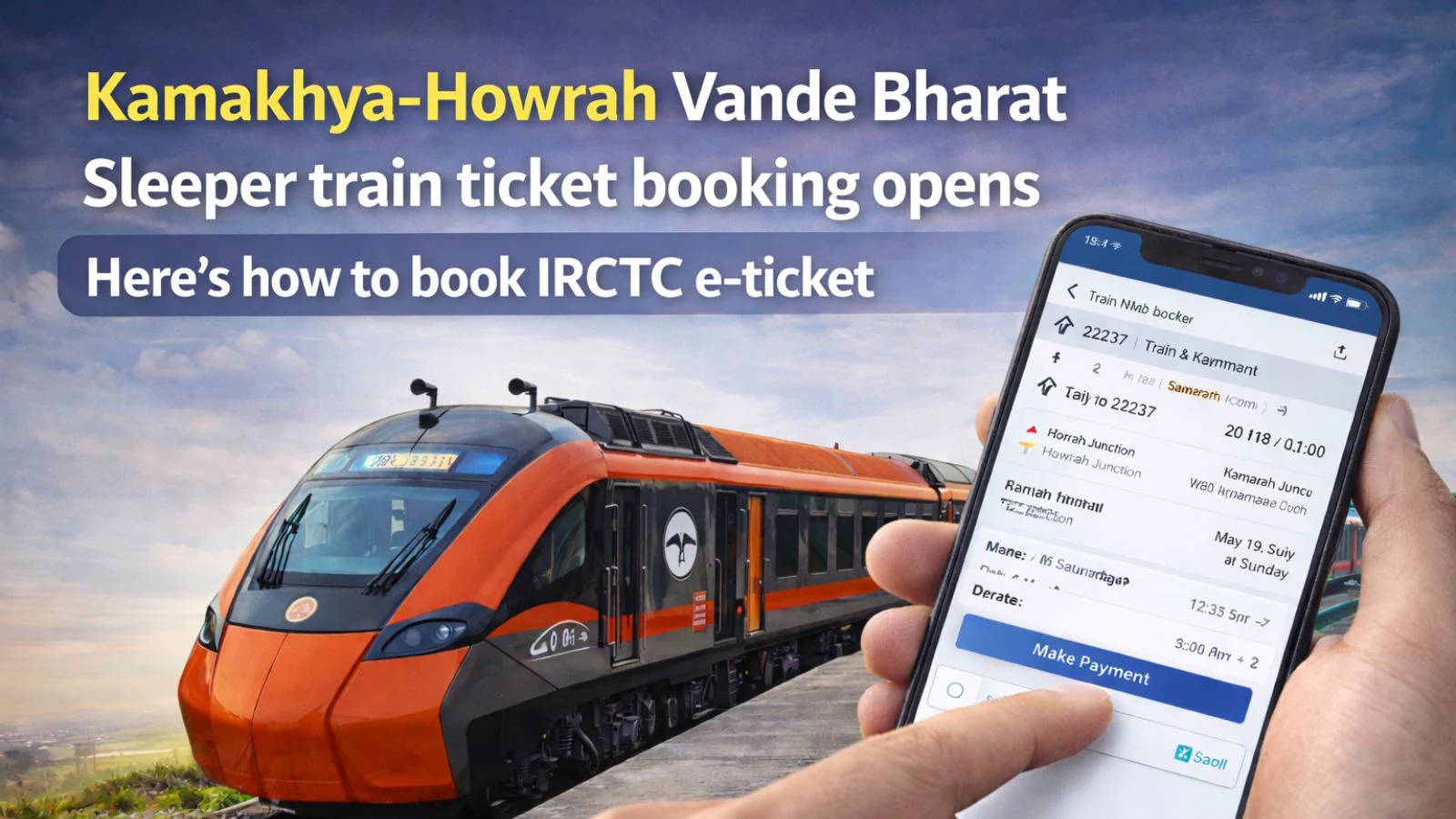
Howrah to Kamakhya Vande Bharat Sleeper ticket booking: Indian Railways (IR) has started ticket bookings for the country’s first Vande Bharat Sleeper train. Flagged off by Prime Minister Narendra Modi on January 17, the semi-high-speed train service will operate between Howrah and Guwahati in both directions.
Kamakhya-Howrah Vande Bharat Sleeper commercial run
On Sunday, the national transporter announced that the train number 27576 Kamakhya–Howrah Vande Bharat Sleeper Express will commence its commercial journey from January 22, while train number 27575 Howrah–Kamakhya Vande Bharat Sleeper Express will begin commercial operations from January 23.

Guwahati-Howrah Vande Bharat Sleeper Express ticket booking
The tickets for the Howrah–Guwahati (Kamakhya) Vande Bharat Sleeper Express can be booked through two modes: online and offline. For online booking, passengers can reserve tickets via the IRCTC website or through the Rail Connect and RailOne apps. For offline booking, travellers need to visit the Passenger Reservation System (PRS) counters at railway stations.
Vande Bharat Sleeper train ticket booking: Here’s how to book IRCTC e-ticket
- To book an e-ticket through the IRCTC website, an user must first create an account on the portal.
- Login by entering your User name and Password.
- Provide your desired From – To station, Date of Journey and Class of travel.
- To find train list, click on “Search” option.
- The next page displays the list of trains available for the selected route
- Select ‘Vande Bharat SL’ train from the train list, click on the type of class available in the selected train
- To book e-ticket in the selected train, click on “Book Now” button.
- Passenger Reservation Page will appear; check whether the train name, station names, class and journey date displayed on the page are same as desired by you.
- Enter the Name of the Passengers, Age, Gender, Berth Preference etc. details for each passenger.
- After providing correct details, click on “Continue” button. To change any details related to Train, Class, Quota etc
- The ticket details, Total fare (including GST & Convenience Fee) and availability of berths at the particular time appear on the screen.
- After checking all details, click on Continue button for Payment process
- Select the desired payment option from the displayed Payment Gateway menus.
- After successful payment and booking of accommodations, Ticket Confirmation Page will appear.


Stay updated with the latest – Click here to follow us on Instagram
© IE Online Media Services Pvt Ltd