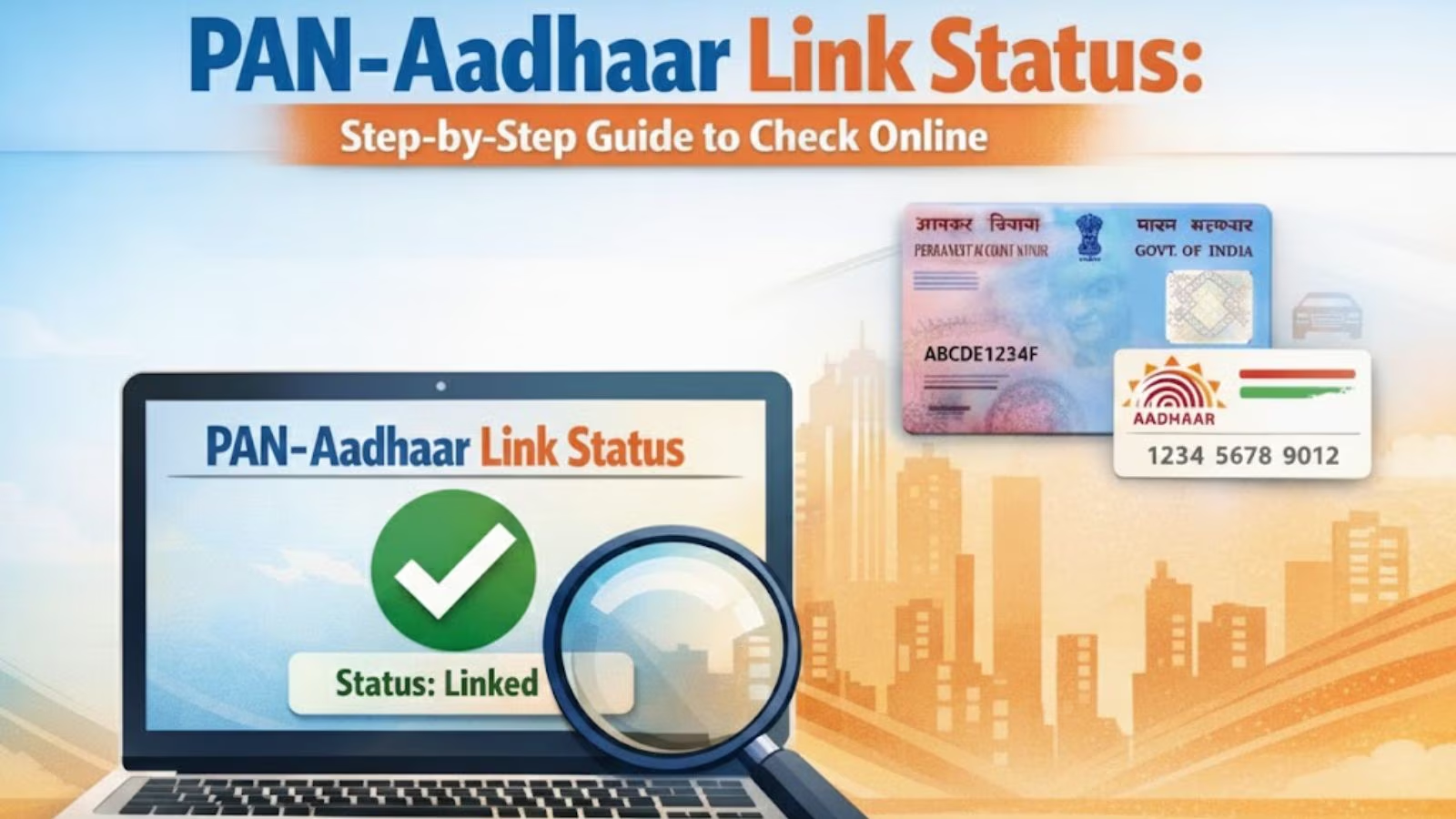
PAN-Aadhaar link last date: With only four days remaining before the deadline, citizens are urged to complete the PAN–Aadhaar linking by December 31, 2025 to avoid any future disruptions. If one fails to link the PAN and Aadhaar by the month-end, the PAN card will become inactive from January 1, 2026.
PAN link Aadhaar
In a circular issued on April 3, 2025, Ministry of Finance said: “In exercise of the powers conferred by sub-section (2A) of section 139AA of the Income-tax Act, 1961 (43 of 1961), the Central Government hereby notifies that every person who has been allotted permanent account number on the basis of Enrolment ID of Aadhaar application form filed prior to the 1st day of October, 2024, shall intimate his Aadhaar number to the Principal Director General of Incometax (Systems) or Director General of Income-tax (Systems) or the person authorised by the said authorities on or before the 31st day of December, 2025 or such date as may be specified by the Central Board of Direct Taxes in this behalf.”

PAN-Aadhaar link status check online
Those who have already linked their PAN and Aadhaar card, can verify their linking status by following the steps mentioned below:
View Link Aadhaar Status (Pre-Login)
- On the e-Filing Portal homepage, under Quick Links, click Link Aadhaar Status.
- Enter your PAN and Aadhaar Number, and click View Link Aadhaar Status.
- On successful validation, a message will be displayed regarding your Link Aadhaar Status.
View Link Aadhaar Status (Post-Login)
- Go to e-filing portal home page.
- On your Dashboard, click Link Aadhaar Status.
- Alternatively, you can go to My Profile > Link Aadhaar Status.
- On successful validation, a message will be displayed regarding your Link Aadhaar status.
According to Income Tax Department, if the validation fails, click Link Aadhaar on the Status page, and you will need to repeat the steps to link your PAN and Aadhaar. On the other hand, if your request to link PAN and Aadhaar is pending with UIDAI for validation, you will need to check the status later.
How to link Aadhaar with PAN online
- Go to e-filing portal home page and click on Link Aadhaar under Quick Links.
- Enter the PAN and Aadhaar and click Validate.
- Enter the mandatory details as required and click on Link Aadhaar.
- Enter the 6-digit OTP received on mobile number mentioned in the previous step and click on Validate.
- Request for link of Aadhaar has been submitted successfully.


Stay updated with the latest – Click here to follow us on Instagram
© IE Online Media Services Pvt Ltd